
Altars
Stand where a relic should live and run: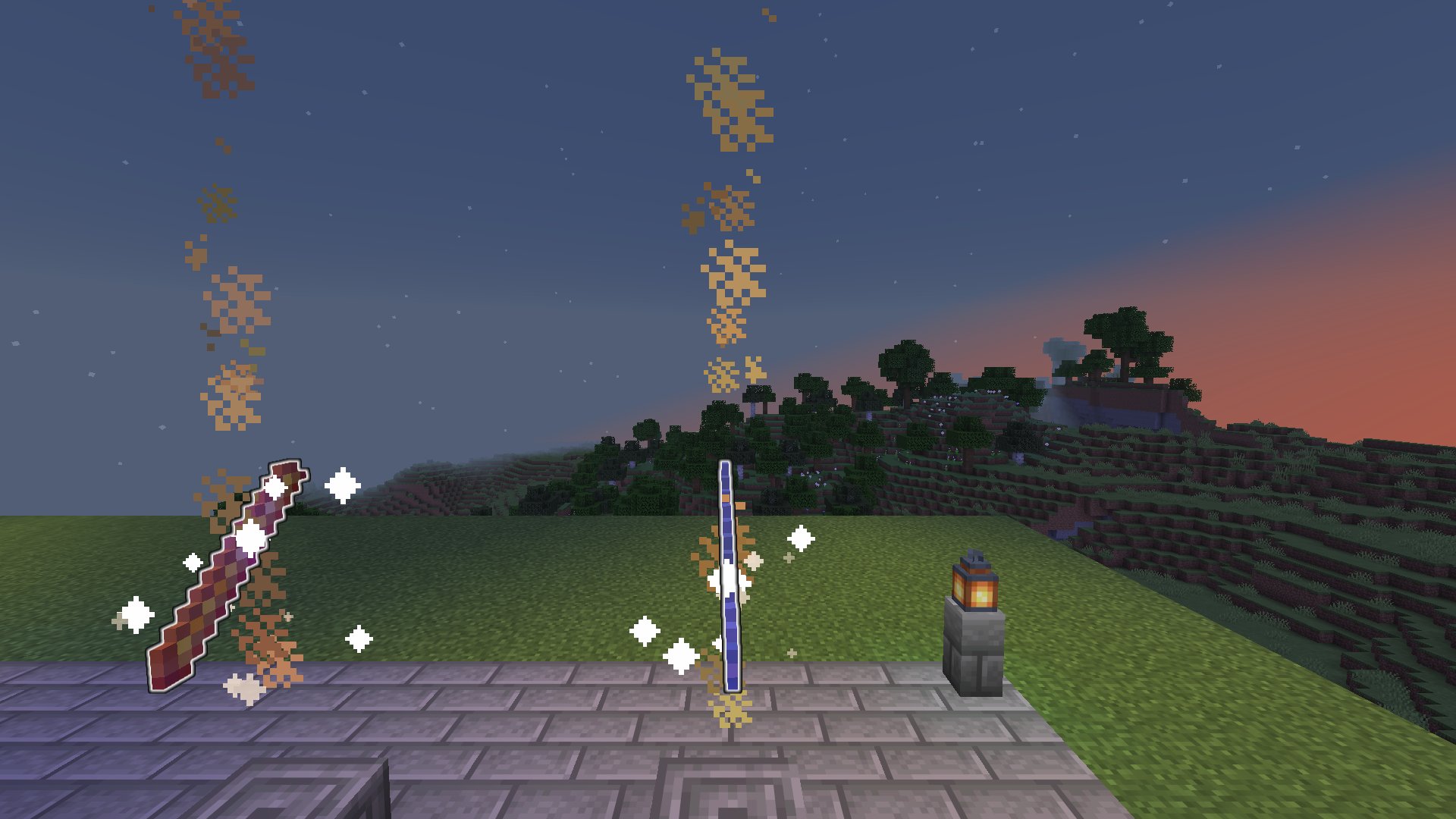
- Run the command again anywhere to move an altar
- A relic with no altar shows No altar set on the relic board. It can’t be claimed from an altar until you set one
- The floating relic and its hitbox are not saved into the world. They are rebuilt whenever the altar’s chunk is loaded, so a crash never leaves stray copies behind
- The beam uses the
altar-beamandaltar-sparkleparticles inconfig.yml
Relic Rain
PRO. Switch spawning to random and relics stop waiting politely. Every interval, each relic sitting at home drops at a random spot on the map, with a broadcast, a title and a thunder sound. The whole server starts running.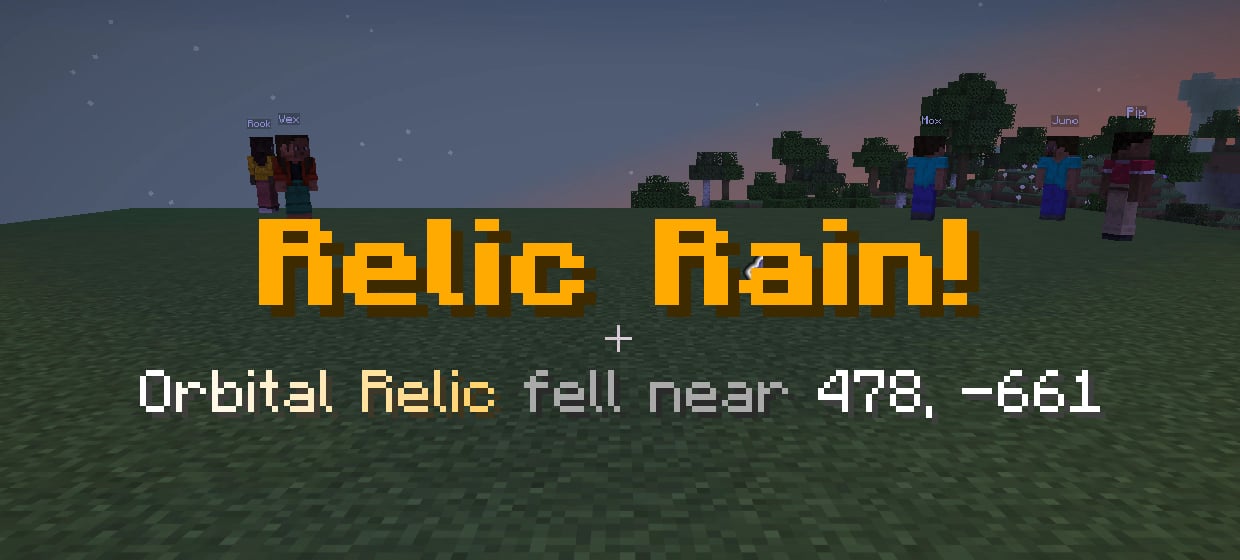
plugins/RelicsSMP/config.yml
How it works:
- Only relics at home rain. Held, dropped and offline relics are left alone
- Altars still work in random mode. A relic at its altar can be claimed until the next rain takes it
- The spot is the surface at a random point inside the circle. Water, lava, bedrock, cactus, magma and fire are skipped. After 12 failed tries, that relic waits for the next rain
- A rained relic is a normal dropped relic: it glows and anyone can grab it
- The timer starts from boot and restarts on
/relics admin reload
Relic Rain! Orbital Relic fell near 478, -661 in world. Everyone sees the Relic Rain! title and hears the rain sound.
Lite ignores mode: random. Relics wait at their altars.
WorldEvents PRO drops
PRO. Running WorldEvents PRO? When one of its events starts, one random relic that is waiting at home drops at a random spot. It uses the same circle and safe-spot rules as Relic Rain. This works in bothaltar and random mode.
plugins/RelicsSMP/config.yml
WorldEvents PRO must be enabled when Relics SMP starts. The console confirms the hook with
Hooked into WorldEvents PRO: events can drop relics. Without WorldEvents PRO, nothing happens and nothing breaks.
Admin tools
spawn only works on a relic that is at home. If it’s out, you see That relic is already out. Reset it first. give needs a free slot in the player’s inventory. See Commands.