
/relics. The alias is /relic. <relic> is a relic id: storm, inferno, void, gravity, blood, orbital, or a custom relic id. Tab completion lists the relics your server runs.
Claiming a relic, casting its power and picking one up need no command and no permission.
Players
Admins
The console can run every command except opening the board,
setaltar and spawn <relic> here.
PRO-only commands on Lite reply with That's a Relics SMP PRO feature. See /relics pro.
Command notes
spawnonly works on a relic that is at home. Otherwise you seeThat relic is already out. Reset it first.giveneeds a free inventory slot. It doesn’t announce anythingreset <relic>announces the return in chat.reset allsends everything home quietly and confirms to youreloadtells you how many values were invalid and fell back to defaults. From 1.1.0 it refuses aconfig.ymlwith a YAML error and changes nothing. Adding or removing custom relics still needs a restart. See Configuration
The relic board
/relics opens a read-only board with every relic on the server. Nothing can be taken out of it.
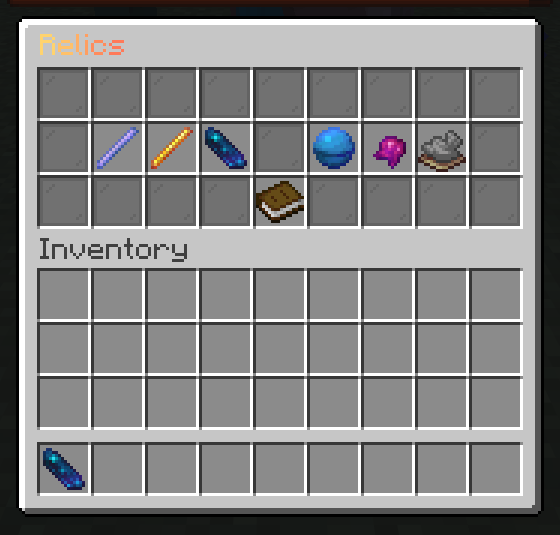
- Status: waiting at its altar, no altar set, held by a player, dropped on the ground, or its offline holder and the time left
- Last seen: the holder’s last known spot and world
- Active with its cooldown, and Passive
hints.pro: false to hide them.
Admin actions. Players with relics.admin can also act from the board:
Change the slots and icon materials under
menu: in config.yml. Change the title and lore in messages.yml. See Configuration.