
Custom forts are a Raid Bases PRO feature.
.schem, drop it in the forts folder and add it to a tier. Raid Bases raises it, guards it, lets players crack its vault and puts the land back after, the same as a built-in fort.
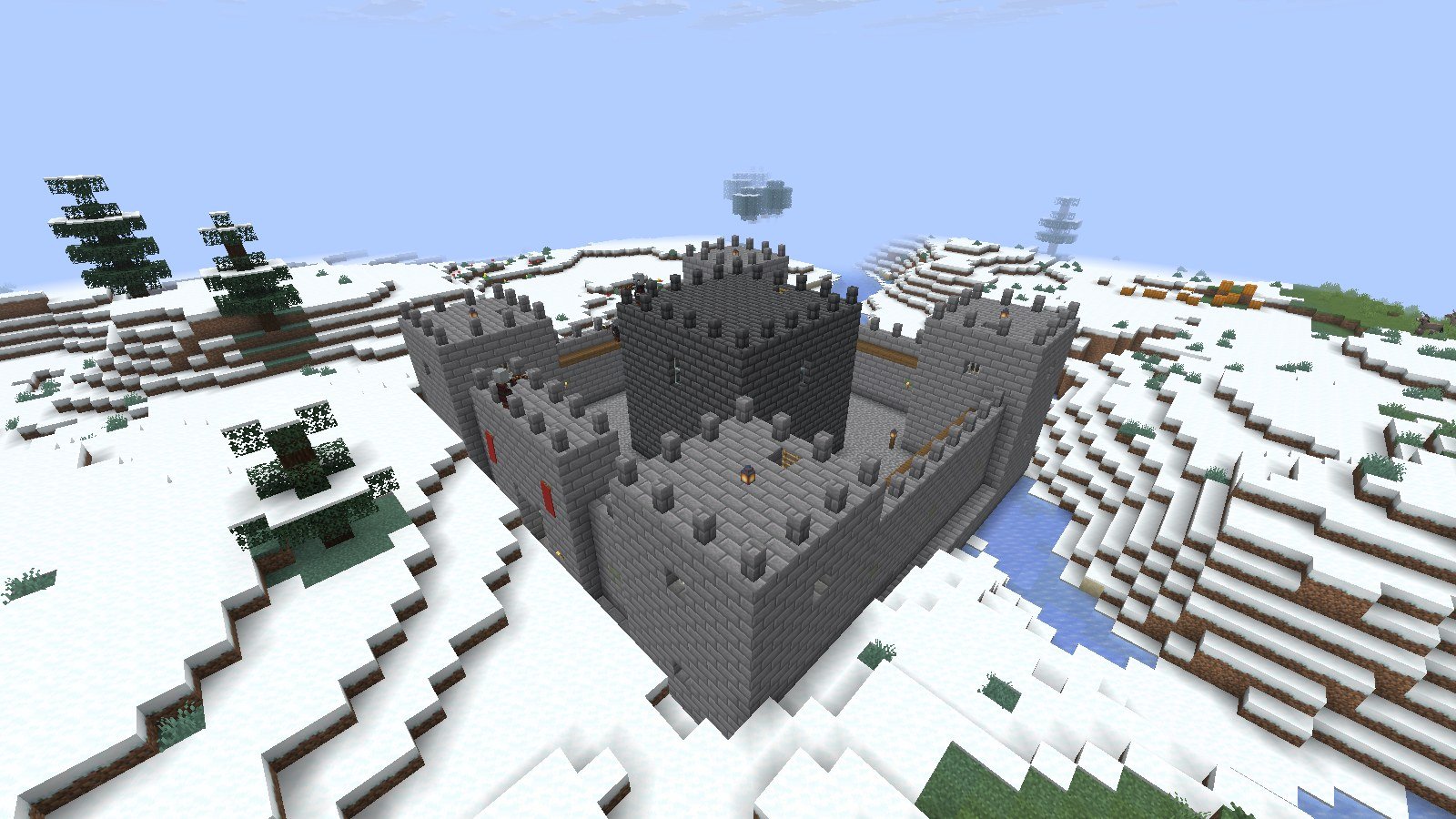
//schem save. WorldEdit doesn’t need to be installed on the raid server.
Make a fort
1
Build it
Build your fort on a flat test area. Put a vault block where the loot should come out. A lodestone also works, which is handy on 1.20.6.
2
Include the floor
Select from the ground layer up. The bottom layer of the schematic sits at ground level, and the foundation fills any gaps under it.
3
Save it
Run
//copy, then //schem save frostkeep. Use a lowercase name with only letters, digits, _, . and -.4
Drop it in the forts folder
Copy
frostkeep.schem into plugins/RaidBases/forts/. Raid Bases PRO creates that folder on startup.5
Try it
Run
/raid start here medium schem:frostkeep.schem:frostkeep to a tier’s layouts, then run /raid reload:
plugins/RaidBases/config.yml
Rules for a schematic fort
Blocks that leave the land alone
- Structure void blocks leave whatever is already there.
- Air in the bottom layer leaves the ground as it is.
Guard posts
Raid Bases finds guard posts by itself: any spot with solid footing and two blocks of air above it, at least 4 blocks from the next post, up to 32 posts. It sorts them like this:
Give guards a
post that your build has, or any.
Signs, banners and heads
Sign text, banner patterns and player-head skins come across from the schematic. Chests, barrels and other containers rise empty on purpose: the vault is the loot. Other block entity data, like spawner mobs or lectern books, doesn’t come across.When a fort won’t load
If the file can’t be used, the raid doesn’t start. Chat saysNo fort schematic called <name> whatever the cause, and the console says why. Common console reasons:
No fort schematic plugins/RaidBases/forts/<name>.schem: the file isn’t in that folder, or its name has capital letters.it has no vault block: add a vault or a lodestone.forts can be up to 96 wide and 64 high: the build is too big.only Sponge .schem files (v2, v3) work: re-save it with//schem save.may only use letters, digits, _ . and -: rename the file.
schem: forts say they are a PRO feature.