
/spawn brings anyone back.
The price monolith
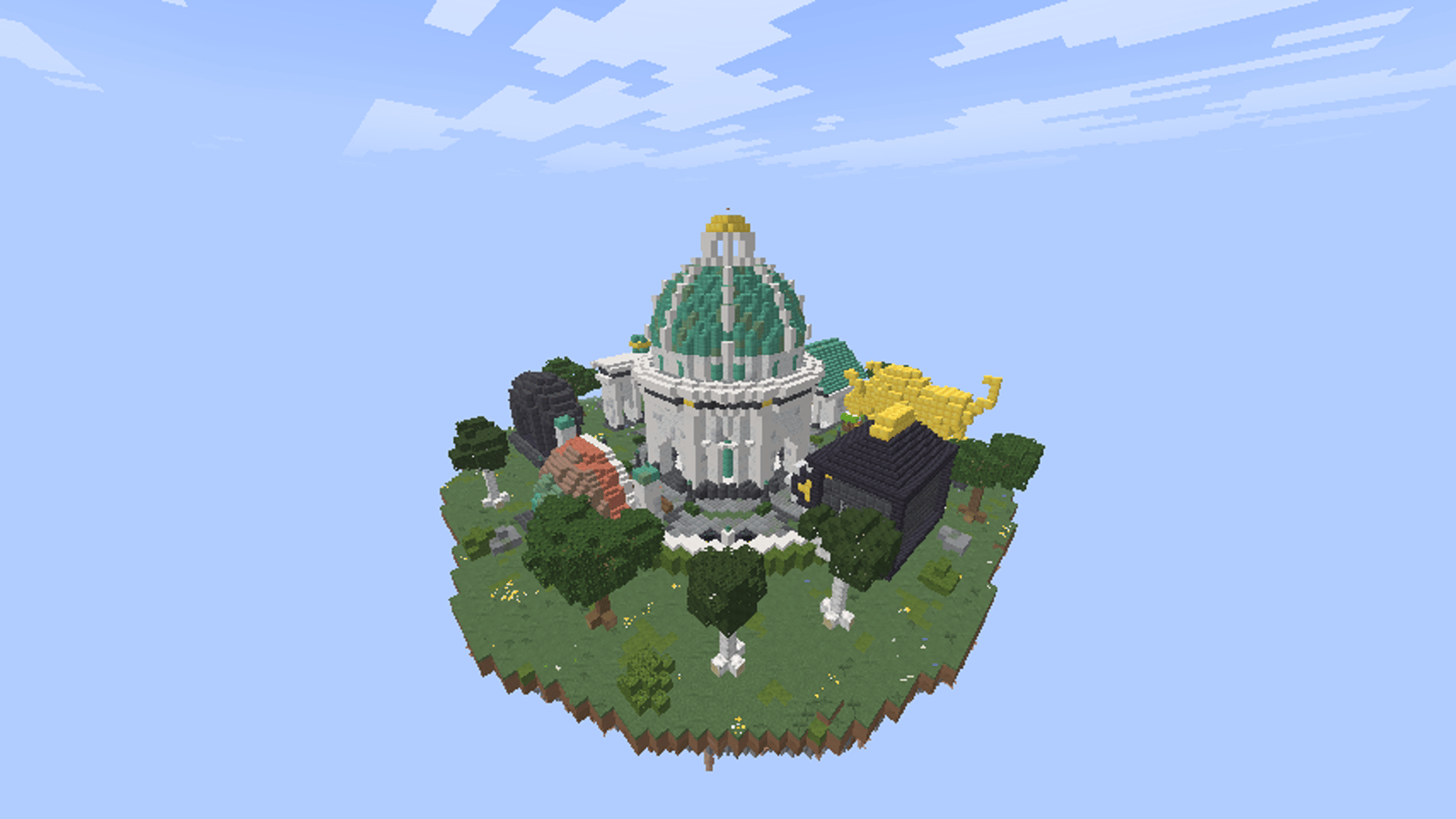
Under the copper dome stands a black monolith with four live price boards. Prices and trend arrows update while players watch.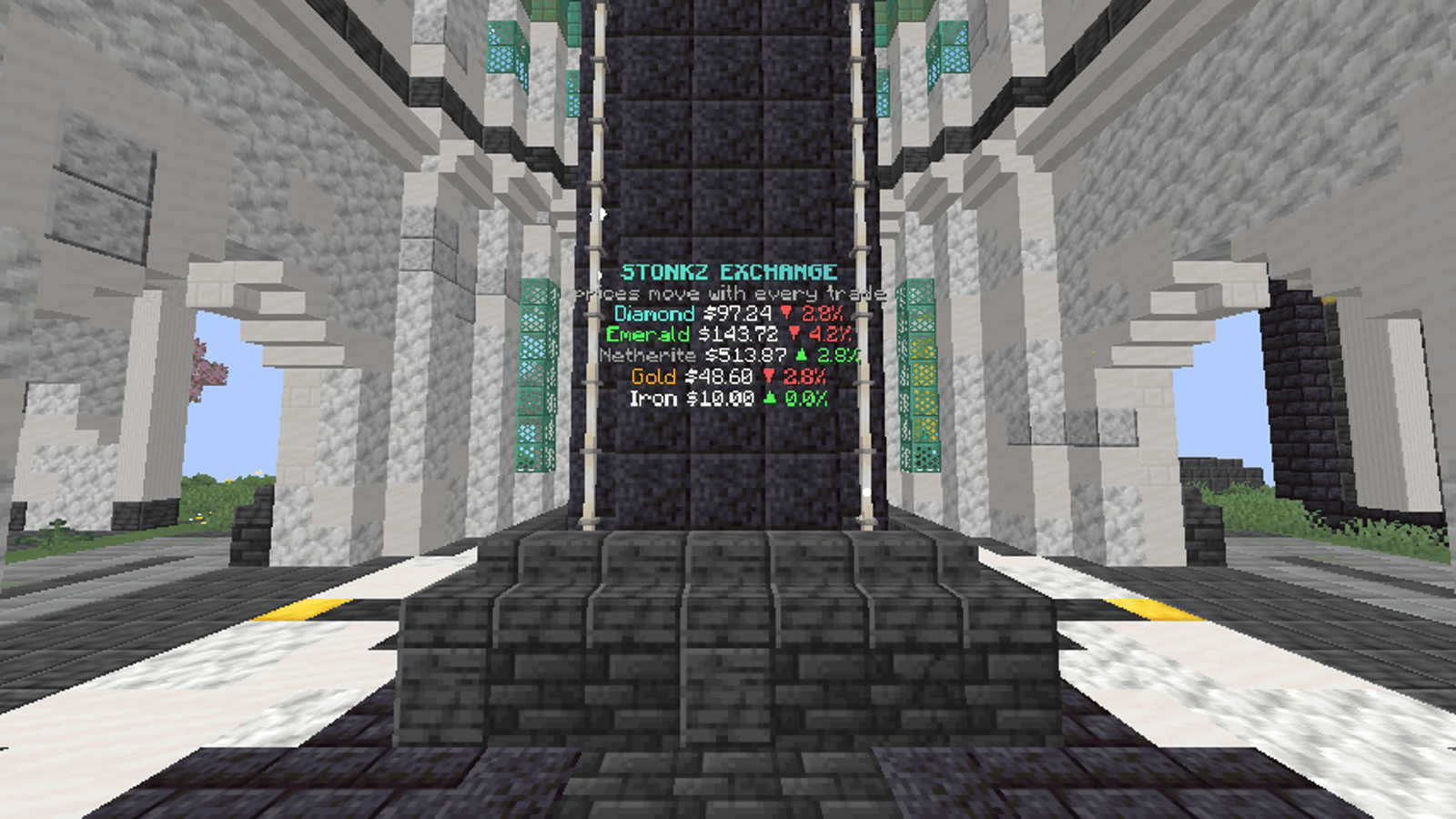
%stonkz_price_DIAMOND% and %stonkz_trend_DIAMOND%. Edit them in plugins/FancyHolograms/.
The four stations
Four avenues lead out from the dome. Each station has an NPC. Click it to open that feature.
The NPCs are FancyNpcs. Each one runs a player command on click, so they work with the same permissions as the commands.
Crates
Common, Rare and Stonkz crates sit together with a hologram above them. Right-click a crate with a key to open it. See Crates and AFK.AFK Lounge
A cherry-blossom pergola pays players who idle there: $500 or a Common crate key every 5 minutes. See Crates and AFK.Protection
The whole spawn world is protected:- no building or breaking
- no PvP and no damage of any kind
- no mob spawns
- no fire spread, TNT or explosions
Moving or editing spawn
The spawn world is atworld/dimensions/minecraft/spawn and is loaded by Multiverse-Core. To build there, give yourself the WorldGuard bypass or use the admin rank.