
Who counts as new
A player is new when FirstHour has no record of them and they are not an existing veteran. On their first join FirstHour:- Gives them a path. On PRO with several paths, that’s the first path in
paths.ymlthey have permission for. - Shows the welcome screen after
welcome.delay-ticks(40 ticks, 2 seconds). - Puts their first goal on the bossbar.
- On PRO, pings veterans so someone can say hi. See Veterans say hi.
new-players.
The welcome screen
The screen has a title, a short line of text and one Start button.- Paper 26.1
- Paper 1.21.4
A native dialog. Players press Start or close it with Escape. The button works once, for 30 minutes.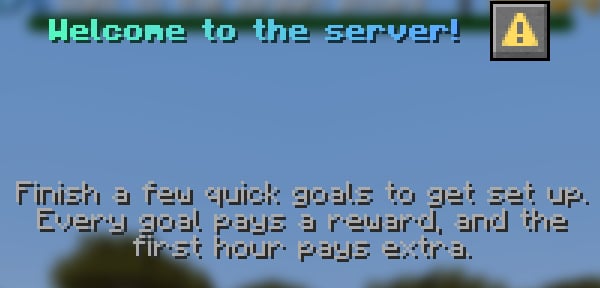
welcome: in messages.yml. Set welcome.enabled: false in config.yml to skip the screen. New players still get their path and the bossbar.
The path is live from the first join. Pressing Start shows the first goal with a title and a sound, but players make progress whether they press it or not.
Start
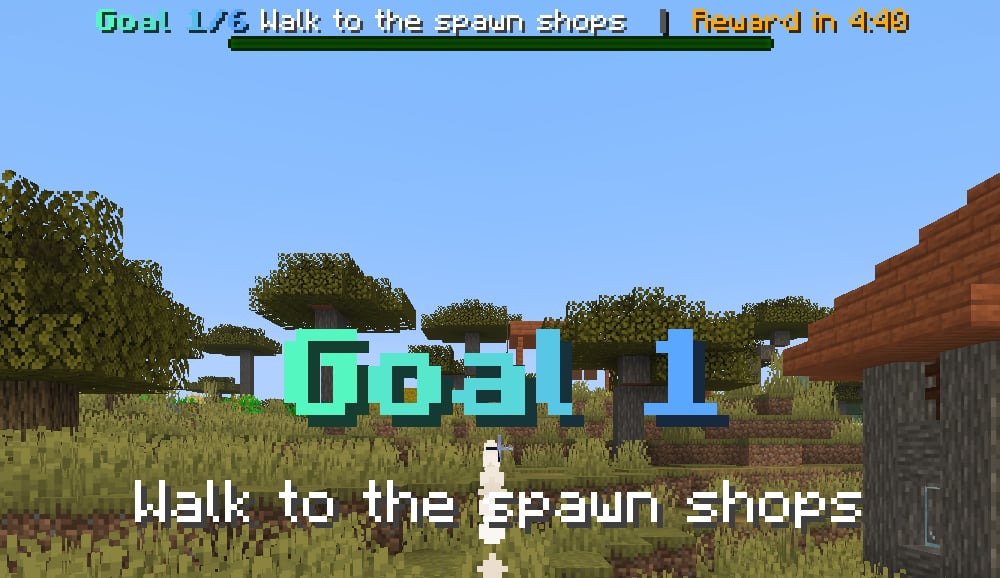
Start shows a Goal 1 title with the goal as its subtitle, plays thegoal-start sound, and sends the goal and its hint in chat:
The bossbar
While a player has goals left, the bossbar shows:- the goal number and total, for example
Goal 1/6 - the goal’s title
- a live counter for goals that need more than one action
- the time to the next timed reward
After the path is done, the bar shows
Next reward in 27:04 until every timed reward is paid, then hides. Set colour and style with bossbar.color and bossbar.style, or turn it off with bossbar.enabled: false.
Trail and compass
go_to goals point the way. Every 2 seconds by default, FirstHour draws a short line of particles from the player toward the target. Only that player sees it. When the goal is announced, their compass points at the target too.
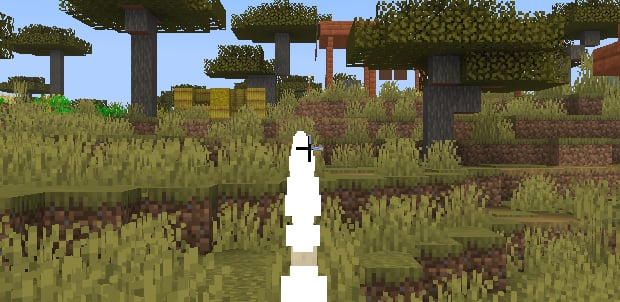
trail: in config.yml.
Finishing goals
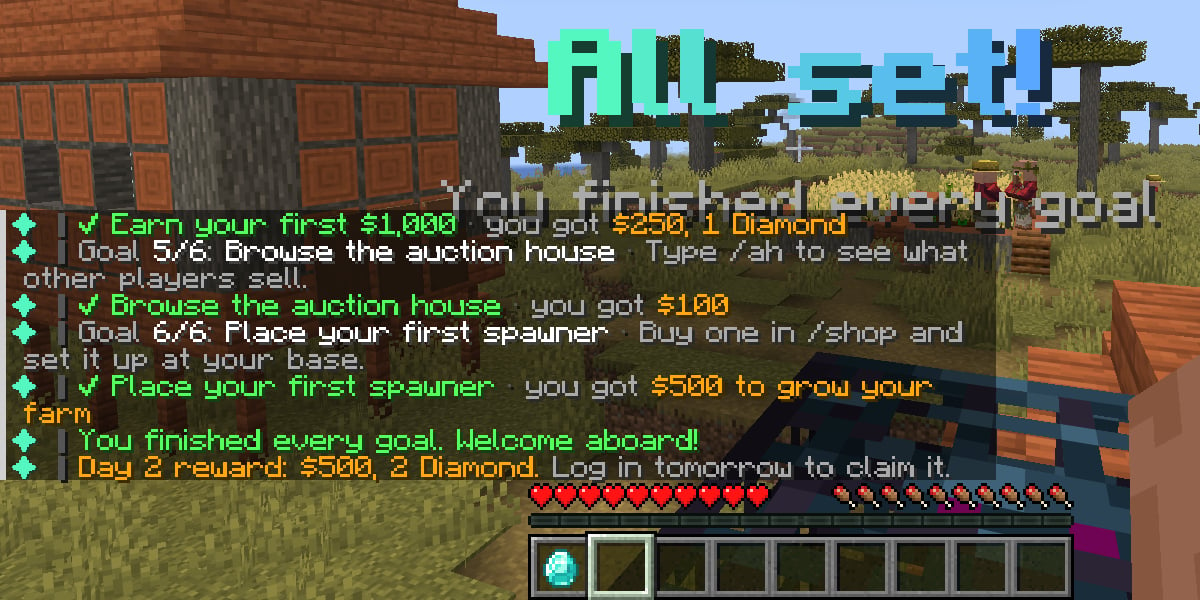
When a goal is done, the player gets a check line with the reward, and thestep-done sound:
skip-if-done: true, it ticks off straight away. That can chain through several goals at once.
When the last goal is done, the player sees an All set! title, hears path-complete, and gets a line about tomorrow’s reward. See Come-back days.
Coming back mid-path
A player who logs off halfway picks up where they stopped:/firsthour any time to see their current goal, its hint, and the time to the next timed reward.
Skipping
Players withfirsthour.skip (everyone, by default) can run /firsthour skip. That ends their goals and the bossbar.
To put a player back on the path, run /firsthour reset <player>. That wipes their FirstHour data, and online players start over as brand-new players.