
/gs create opens the editor too. You need gamesmith.admin. You cannot edit while you are in a match, or while the game you want to edit is running (stop it first with /gs stop <id>).
Typing values
When the editor needs a name, a number or a block, it asks you:- On Paper 1.21.6 and newer: a native input form with Save and Cancel.
- On older servers: one chat line. Type the value, or type
cancelto go back.
editor.input: chat in config.yml.
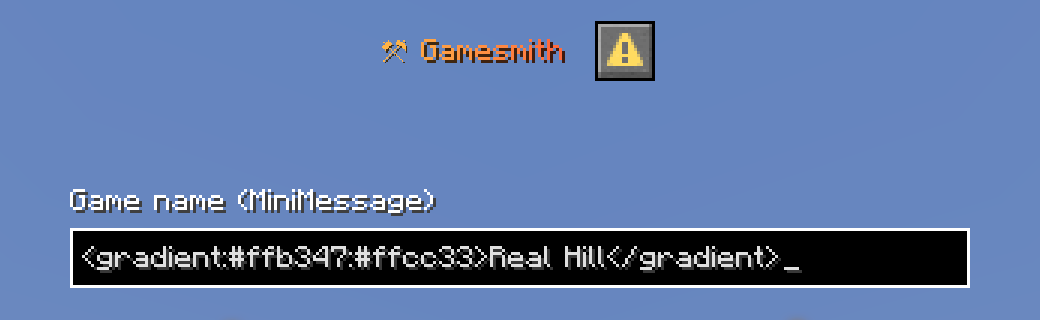
<gradient:#ffb347:#ffcc33>Real Hill</gradient> works as a game name.
The hub
The hub is the game’s home page.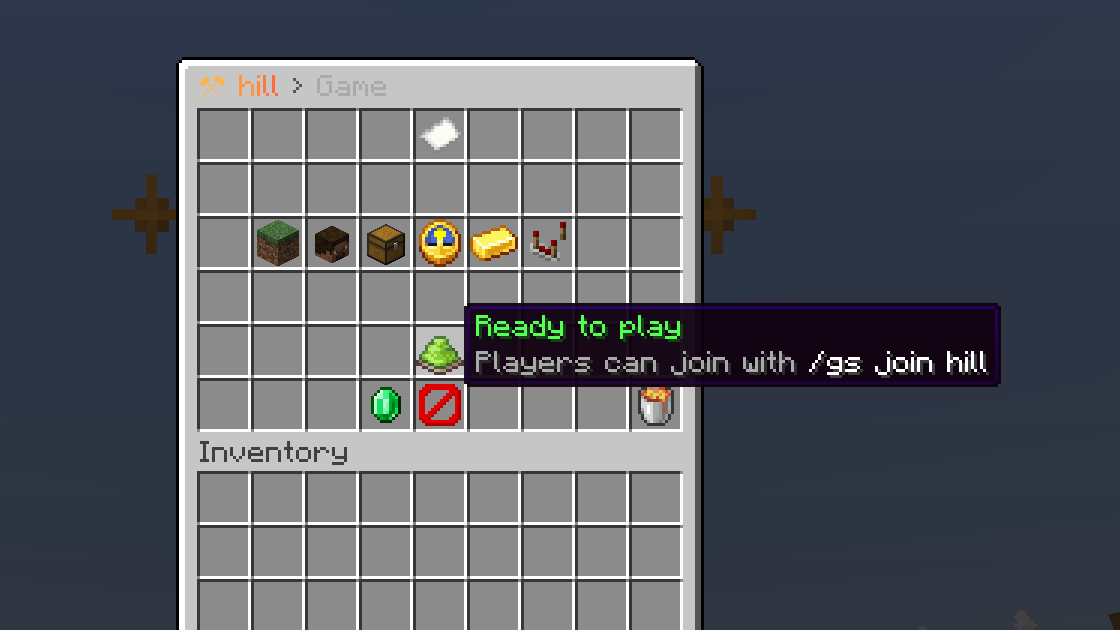
The problem list
Players cannot join a game with problems. The red dye lists up to eight of them, for example:Set the arena region with the wand.Set the lobby./Add at least one spawn.The lobby must be inside the arena region.Team red has no spawn (spawn-red or spawn).Add a second team, or remove the team for free-for-all.Phase play, Fill a zone: pick a zone.World arenas is not loaded.
Arena
Select areas with the wand, then use the selection here. Markers use the spot you stand on.
See Arenas for how regions, markers and zones behave in a match.
Players & teams
Steppers: left-click adds, right-click subtracts, shift for bigger steps.
Teams come in this order: red, blue, green, yellow, aqua, light purple, gold and white. Shift-right-click a team to remove it. Removing down to one team goes back to free-for-all. Teams are filled evenly when the match starts, and friendly fire is off.
Kit
The kit replaces each player’s inventory when the match starts, and again for the Give kit and Respawn actions.- Use my inventory saves exactly what you carry now, armour and off-hand included. The wand is left out.
- Clear kit (shift-click) empties it.
Phases and rules
A game is a list of phases: a warm-up, the fight, sudden death. Each phase has its own length, its own permissions and its own rules. The phase list:- Click a phase to edit it.
- Right-click to duplicate it.
- Shift-left-click to move it earlier.
- Shift-right-click to delete it (a game keeps at least one).
- Add phase asks for an id (lowercase letters, digits,
-or_). New phases last 60 seconds.
When a phase’s time runs out, the next phase starts. After the last phase, the game ends and the win rule picks the winner.
Rules
A rule is “when this happens, do these things”. Click Add rule, pick what it reacts to, set its settings, then add actions. Actions run top to bottom.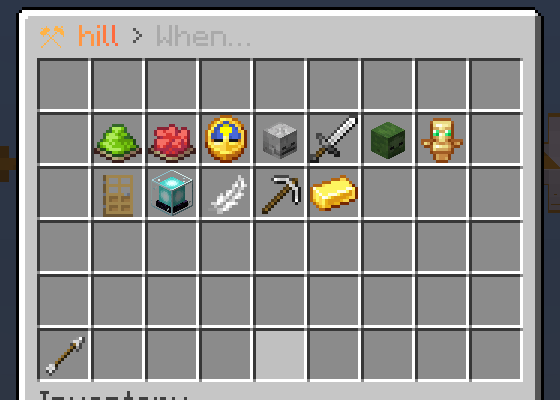
The trigger picker: 12 things a rule can react to
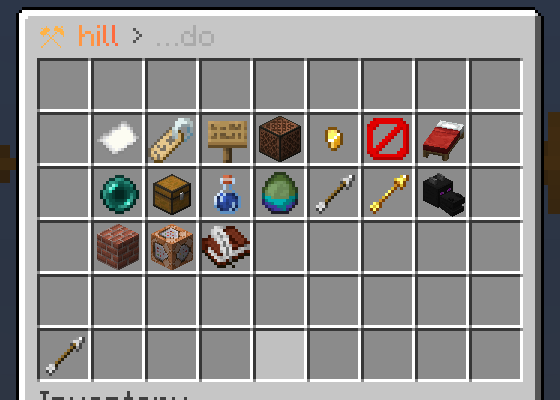
The action picker: 17 things a rule can do
- Click the When card to change the trigger’s settings.
- Click an action to change its settings.
- Shift-left-click an action to move it earlier. Shift-right-click to remove it.
Every trigger and action is listed in Rules.
On Lite, the console command and Typewriter actions show as locked tiles marked PRO. Set
pro-hints: false in config.yml to hide them.Win & rewards
Pick one win rule:
Then add rewards:
- Winner reward: given to the winners.
- Reward for everyone: given to everyone in the match when it ends, winners and eliminated players included.
{player} becomes the player’s name. Rewards are handed out after the player’s own inventory is back. Items that do not fit drop at the player’s feet. Shift-right-click a reward to remove it.
Settings
See Arenas for fresh worlds.
Customising the editor
Button names, lore, materials and slots live inplugins/Gamesmith/editor.yml. Run /gs reload after editing. See Configuration.